


EASYSHIPPINGX API

One API to
compare rates
and create shipments.

Multiple services. Your choice.

Get available quotes for your shipment in one request. Choose the lowest returned price or the service you prefer, then create the shipment from your own system.

  • Compare available rates
  • Coverage checked for you
  • Stay in control
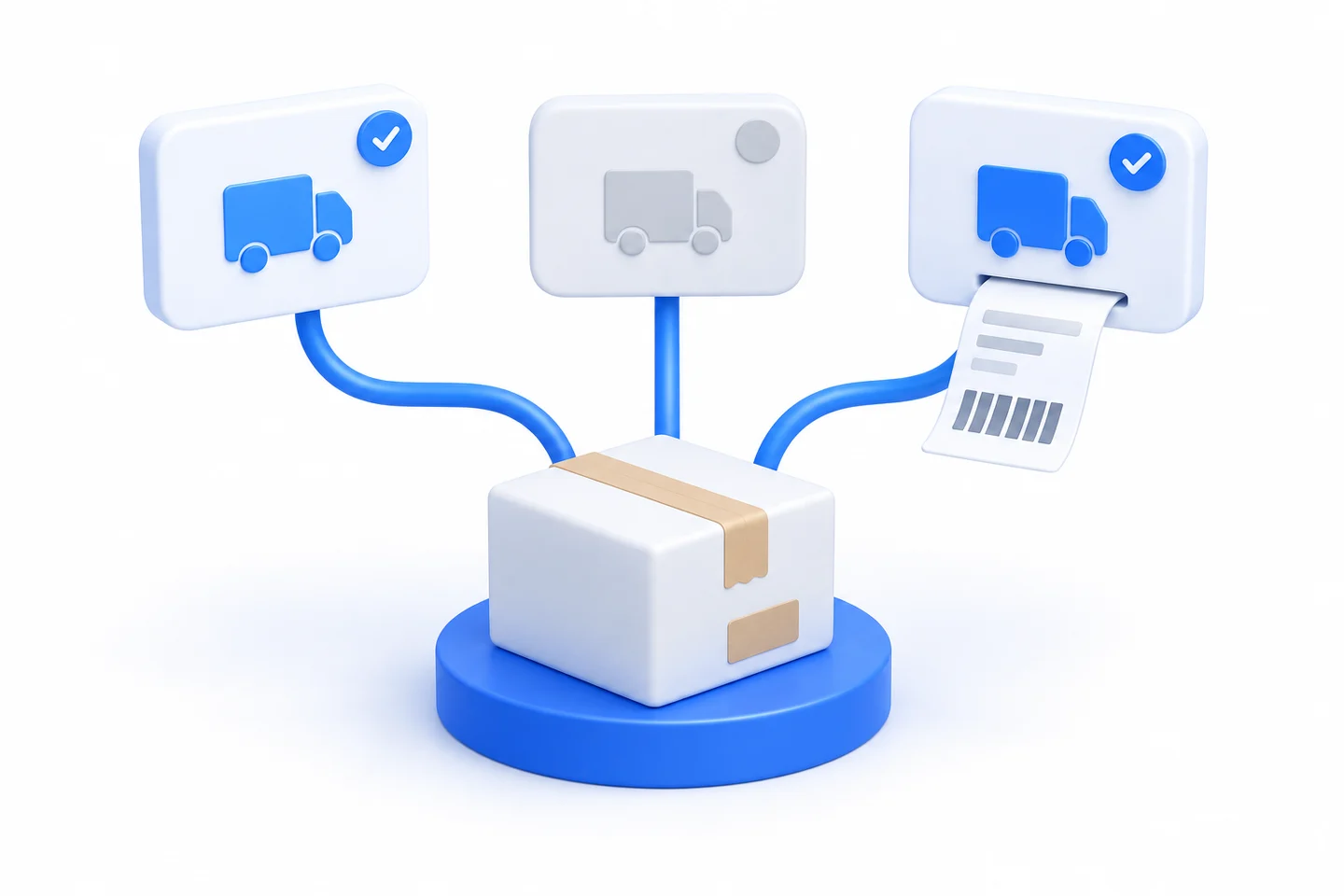
One parcel connected through a single API to multiple shipping service options
One integration. More choice for every shipment.
YOUR SHIPMENT. YOUR RULES.

Pick the lowest rate.
Or pick your service.

Choose from the quotes available for this shipment. Your integration can select by price, or use the service you prefer.

  • Compare valid quotes in the same currency.
  • Options without a valid price stay out of the selection.
  • Your system selects the service, then calls the order API.

Try selecting Service B, or choose the lowest quote.

ONE SHIPMENT

Your rate options

Example data
Choose an example service
YOUR SELECTION

Service AUSD 3.71

Next: create your order with Service A.

Interactive example only. No live rates are requested and no orders are created. Actual quotes depend on shipment details and enabled services.

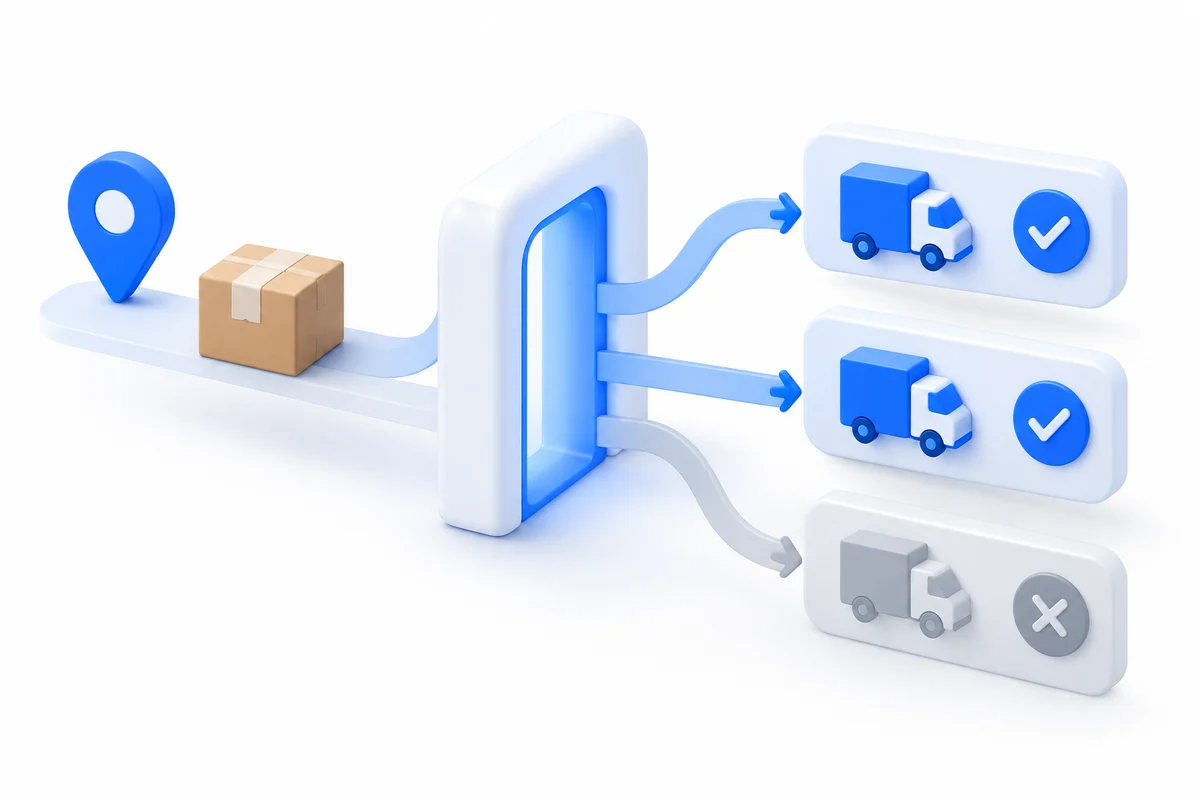
Shipment and destination details pass through availability checks to reveal eligible services
Available quotesNo quote, no selection
COVERAGE, TAKEN CARE OF

Skip the ZIP-code
guesswork.

Send the recipient address and parcel details. The API checks service eligibility. If a regional service cannot cover the destination, it will not produce a valid price to choose.

You do not need to maintain a separate ZIP coverage list for each service. Make your shipping decision from the valid quotes returned.

Coverage is one eligibility check. Parcel specifications, enabled channels and required service options also affect quote availability.

FROM QUOTE TO ORDER

Three steps. One connected workflow.

For eCommerce teams, 3PLs, and ERP, OMS or WMS platforms with development resources.

  1. 01

    Get available quotes

    Send the address, dimensions and weight. Request one channel, several, or all channels assigned to your account.

    One set of shipment details
  2. 02

    Choose your service

    Compare valid quotes. Let your integration choose the lowest returned price, or select the service you need.

    Your selection rules
  3. 03

    Create the order

    Use the same shipment details with the selected channel to create the order. Save the returned shipment code for the next steps.

    Move from choice to fulfillment
FOR YOUR DEVELOPERS

Two endpoints to connect the flow.

Authenticate server-side with Api-Token and send JSON requests. These simplified examples show the field structure; consult the API documentation for full requirements.

POST/v1/order/quotation

Start with a quote

Use a string for one channel, an array for several, or null for all channels assigned to your account.

{
  "order_id": "DEMO-10001",
  "express": null,
  "parcel": {
    "length": 20, "width": 15,
    "height": 10, "weight": 0.5
  },
  "ship_to": {
    "firstname": "Demo",
    "country": "US", "state": "CA",
    "city": "Los Angeles", "zip": "90001",
    "address1": "123 Example Street"
  }
}
View a simplified quote response
[
  {
    "express": "service_a",
    "price": 3.71,
    "price_currency": "USD",
    "weight": 0.5,
    "weight_unit": "kg",
    "surcharge": { "total": 0 }
  },
  {
    "express": "service_b",
    "price": 3.99,
    "price_currency": "USD",
    "weight": 0.5,
    "weight_unit": "kg",
    "surcharge": { "total": 0 }
  }
]

Unavailable entries in a multi-channel response may include price: null and reason. Compare only valid quotes in the same currency.

POST/v1/order

Create with your chosen channel

Pass the selected channel code as a string in express. Reuse the shipment details and include any options required by that channel.

{
  "order_id": "DEMO-10001",
  "express": "service_a",
  "parcel": {
    "length": 20, "width": 15,
    "height": 10, "weight": 0.5
  },
  "ship_to": {
    "firstname": "Demo",
    "country": "US", "state": "CA",
    "city": "Los Angeles", "zip": "90001",
    "address1": "123 Example Street"
  }
}
View a simplified order response
{
  "data": {
    "order_id": "DEMO-10001",
    "shipment_code": "DEMO-SHIPMENT-10001",
    "price": 3.71,
    "price_currency": "USD",
    "surcharge": { "total": 0 }
  }
}

Save data.shipment_code. A tracking_number is returned only if provided during creation. Follow the documentation for subsequent label retrieval.

Request conventionsHeaders: Content-Type: application/json and Api-Token: YOUR_TOKEN. Dimensions use cm, weight uses kg; use a unique order_id when creating an order.

About these examplesChannel codes, addresses, references, credentials and amounts are illustrative. Replace them with valid details and your assigned channels; some channels require additional fields. Quotes are estimates, not a guarantee of final billed charges.

Ready to start integrating?

Explore full field definitions and channel requirements. For documentation access or integration help, add your needs to the rate request form’s Additional Information field.

BUILT AROUND YOUR SHIPPING WORKFLOW

API onboarding for warehouses and 3PLs

Start with origin ZIPs, weight and dimension distribution, destinations, account requirements, and your WMS/OMS connection. Test available quotes, service selection, order responses, and error recovery on the same sample before defining automation scope. A successful quote is not a created shipment.

3PL operations

A 3PL can first test pricing and order ownership across client accounts.

4PL coordination

A 4PL should identify execution, credential, and recovery owners per warehouse.

Brand fulfillment

Large brands should verify OMS/WMS orders, returns, and invoice relationships.

Client isolation, white-label output, webhooks, finance fields, and test environments are onboarding requirements to confirm, not capabilities established by these examples.

EasyShippingX supports U.S. domestic transportation and API onboarding on this page. Customers or their partners handle international transport, import clearance, and warehousing. Confirm the enabled product, account, origin, and tender arrangement separately.

Use this page to evaluate EasyShippingX and request onboarding. The Shipping API technical guide explains development boundaries, and the 3PL API evaluation guide covers multi-client requirements. Confirm enabled services and tender arrangements during account onboarding.

Define onboarding scope through acceptance evidence

Evaluation taskWhat to validateBusiness acceptance condition
Available quotesUse matching origin, destination, packed weight, dimensions, and contents; retain account, service, response, and quote time.Select a service only from available quotes; distinguish no results, ineligibility, and request failure.
Create shipmentsPass the selected quote and order data using current documentation; verify responses, identifiers, and the relationship between labels and client orders.A successful quote is not a created shipment; verify state against the actual API contract rather than inferring capabilities from examples.
Exception recoveryTest invalid inputs, permissions, timeouts, repeated actions, and state checks after recovery; confirm retry rules with onboarding.Identify actions already performed and retain a manual recovery path to avoid unverified duplicate creation.
Fulfillment and billingMap tender, first scan, tracking, exceptions, and final charges to the original order; confirm available data and responsible owners.Accept enabled Portal/API capabilities in stages; confirm multi-client separation, notifications, and finance fields as individual onboarding requirements.

Prepare a redacted sample and a one-page checklist covering warehouse ZIPs, parcel profiles, monthly volume, current systems, client ownership, and launch scope. Phased Portal/API onboarding helps select a starting point; the WMS/API acceptance guide supports development tests. Existing screenshots and request examples explain the workflow; use current API documentation and account confirmation for production fields and service availability.

Start procurement with a request a rate review, have engineering check fields against the technical guide and current API documentation, then request an onboarding discussion.

EasyShippingX procurement and onboarding recommendations, reviewed 2026-10-09. Verify public references, retained files, and account activation separately; examples are not customer results or actual quotes.

A FEW MORE DETAILS

Good questions.
Clear answers.

Do I need to check regional ZIP coverage myself?

You do not need to maintain your own coverage lists. The API checks eligibility from the address and parcel details. A service that cannot cover the destination will not produce a valid quote. Parcel specifications, enabled channels and service options also affect availability.

Can my integration choose the lowest price?

Your system can compare valid quotes in the same currency, select the lowest returned price, and submit that channel to the order API. The quotation endpoint does not create an order for you or guarantee the lowest price across the entire market.

Can I choose a specific service instead?

Yes. Request one or more specific channels and select the service you need from valid quotes. When creating an order, pass the selected channel code, not the quoted price.

Is the quote the final billed amount?

A quote estimates price and billable weight from the submitted details. Actual billing can depend on parcel information, applicable rates and surcharges. The surcharge breakdown may not list every item; refer to the applicable rate sheet and final invoice.

How do we start testing?

Submit a rate request and describe your API integration, testing or support needs in Additional Information so we can confirm available channels and next steps. Once testing is set up, validate quotation, service selection and order creation. Test base URL: https://test-api.easyshippingx.com.

EASYSHIPPINGX API

Give every shipment a better choice.

Request shipping rates and tell us about your API integration, testing or support needs in Additional Information.